
Sky247 PhonePe Payment Method
At Sky247 the range of payment methods is really good, and one of the most commonly used methods that you can use is PhonePe. All the transactions that you make with PhonePe can be done with INR as currency, and there are no commissions for both deposits and withdrawals.
You can start betting by making a deposit of 247 INR which is lower than the minimum deposit of other bookmakers. Also, for making your first deposit, you will be able to get a bonus of 24% cashback for your bets for the first 7 days, up to 10,247 INR.
PhonePe Limits and Transaction Times
PhonePe is one of the best payment methods that you can use on Sky247 since it has one of the best payment limits, as well as quick transaction times. You can check out the table below to get more information about it:
| Payment Method | Minimum Deposit | Maximum Deposit | Processing Time for Deposits | Processing Time for Withdrawals | Fees |
|---|---|---|---|---|---|
| PhonePe | 247 INR | 100,000 INR | Instant | Up to 15 minutes | None |
PhonePe will also be eligible for activating all the bonuses that require a deposit.

Deposit Process via PhonePe
Making a deposit by using PhonePe is really easy, and the deposit can be made both on the website and in the mobile app. You will just need to follow the next steps:
- Log into your account by entering the username and password, then open the Deposit section and select PhonePe.
- Enter the amount that you would like to deposit.
- Copy the UPI ID or scan the shown QR code.
- Open the PhonePe application, then scan the code or enter the ID.
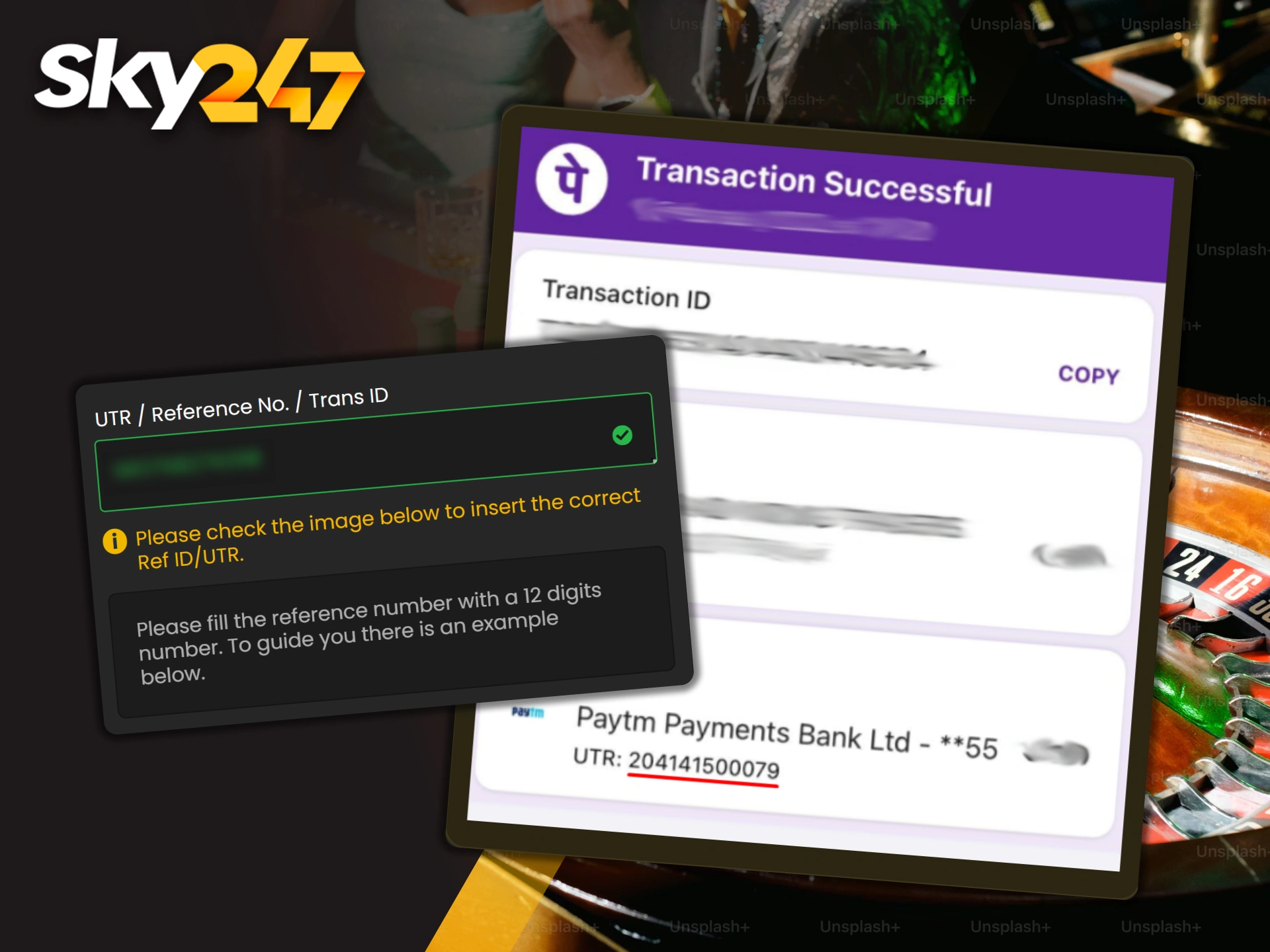
- Copy the reference number from PhonePe and enter it on the website to confirm the deposit.
As soon as you complete all these steps, the deposit will be credited to your Sky247 account.
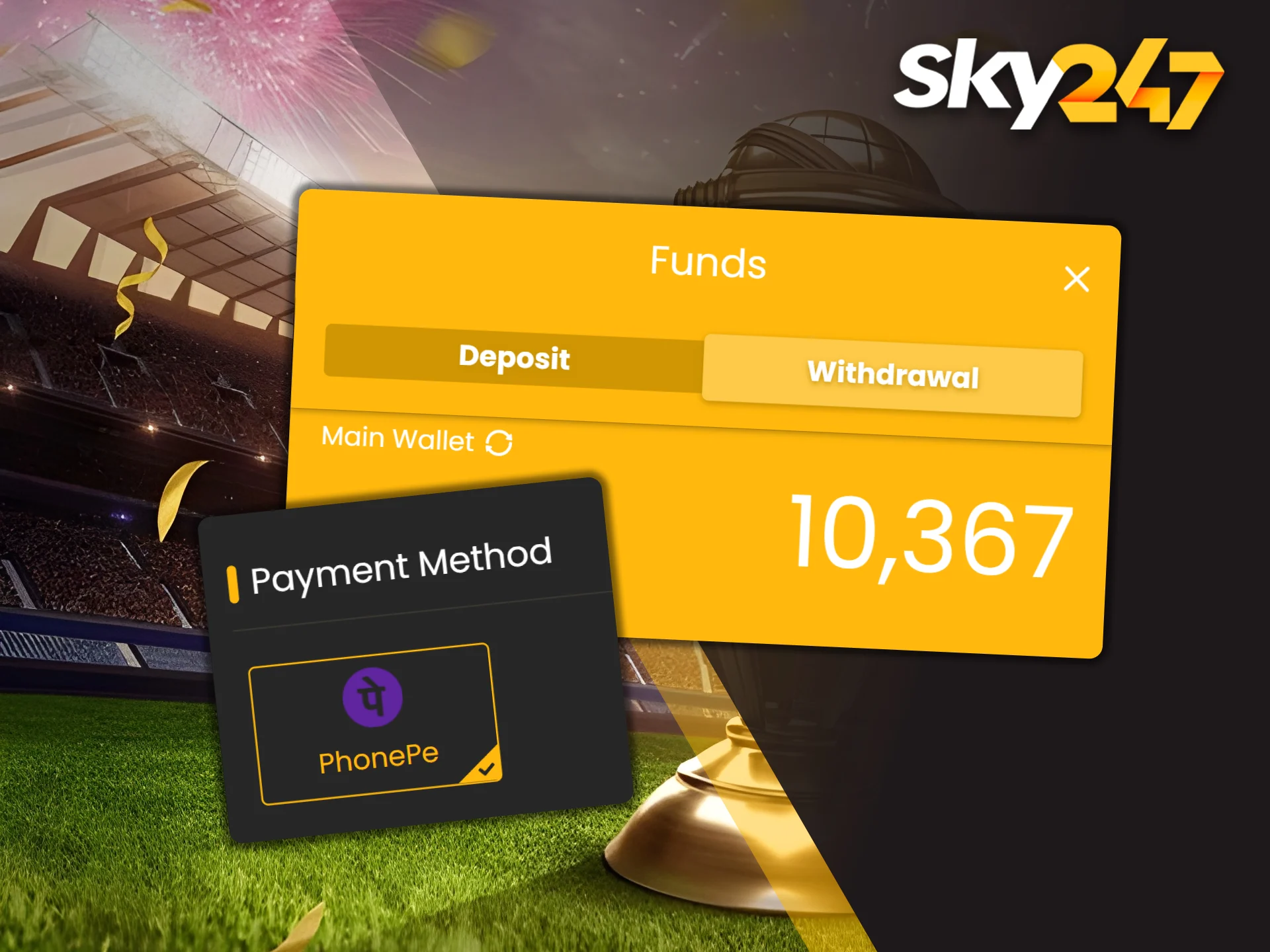
Withdrawal Process to PhonePe Account
After playing for some time and getting your winnings, you can then make a withdrawal using PhonePe as well. You will just need to follow the next steps to complete it:
- Log into your Sky247 account, then press the “Withdrawal” button in your personal cabinet.
- Enter the needed information like your UPI ID.
- Make sure that your Sky247 account name is the same as your PhonePe login as this is required by KYC.
- Check if all the information is correct and confirm the withdrawal.
You will then just need to wait a few minutes, and the withdrawal will be credited to you.

Transaction Issues
Despite the fact that PhonePe is a really reliable payment method, there may be different transaction issues that you can face, but fixing them is rather easy. Here are the most popular issues that players at Sky247 face:
- Money deducted but not credited. It means that you may have accidentally entered your UTR incorrectly. Contact the support team and state the issue to return the deposit and try again;
- Payment failed. In that case, the problem is not caused by you, but rather by PhonePe itself as it may undergo technical fixes at the moment. Just wait for some time and then try again;
- Incorrect UPI ID. Make sure that you enter all the data correctly, as if you fail, you risk losing the money you are trying to deposit without the withdrawal being possible.

Alternative Payment Options
While PhonePe is a really reliable payment method that you can use for depositing and withdrawing at Sky247, it is not the only option that can be used. For both depositing and withdrawing, you can also use options like:
- PayTM;
- Google Pay;
- Local Bank;
- Bhim UPI;
- USDT;
- ETH.
No matter which one you pick, the deposits will be credited instantly while withdrawals will take as little time as possible.
Security of PhonePe Transactions
You will not need to worry about the safety of using PhonePe for all your payments. For better protection, the application requires two-factor authentication so that all payments require more confirmation and it will prevent accidental errors.
All the data that you deposit or withdraw is stored in SSL-encrypted servers, which guarantee that nobody except you will be able to use it. All the payment information that you provide is also not shared anywhere and only VPA is used.
FAQ
Below, you can find the answers to the most commonly asked questions regarding the deposits and withdrawals using PhonePe.
Is There a Fee for PhonePe Deposits?
No. No matter how small or big your deposit with PhonePe is, none of them require commission on Sky247. However, PhonePe themselves may require a commission, although usually it never happens.
Where Can I Find the UTR Number in PhonePe?
To find the UTR number, you will need to open the PhonePe application, then open your personal cabinet and you will see the UTR in it.
Can I Withdraw to a Friend’s PhonePe Number?
No. The Terms and Conditions of Sky247 imply that all the deposits and withdrawals that you make can only be made with your personal PhonePe number, not someone else’s.
Why Is My Deposit Pending?
Usually it happens because PhonePe is currently undergoing technical fixes. In any case, you will just need to wait for some time. If the deposit is not credited at all, contact the support team.
Minimum Withdrawal Amount via PhonePe?
You can make a deposit with PhonePe starting at 247 INR both on the website and in the app.
Updated:
Comments